


Activity Log Pro v1.2.2 is out — for Free and Premium. v1.2.1 was about trimming noise and finding things faster; this one is more about what WordPress is doing behind the scenes with AI and connectors, and making sure your log and alerts stay accurate when the site moves forward.
(ChangeLog | User Guide)
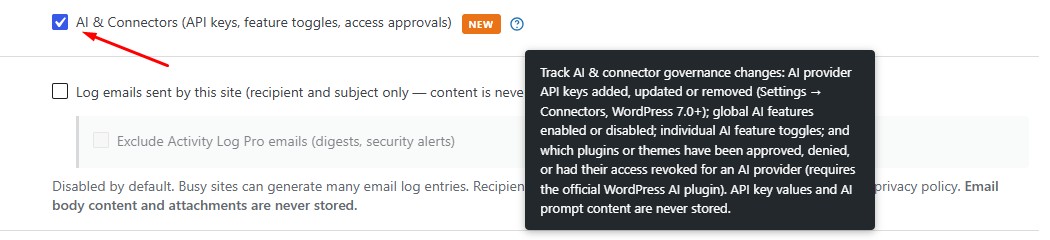
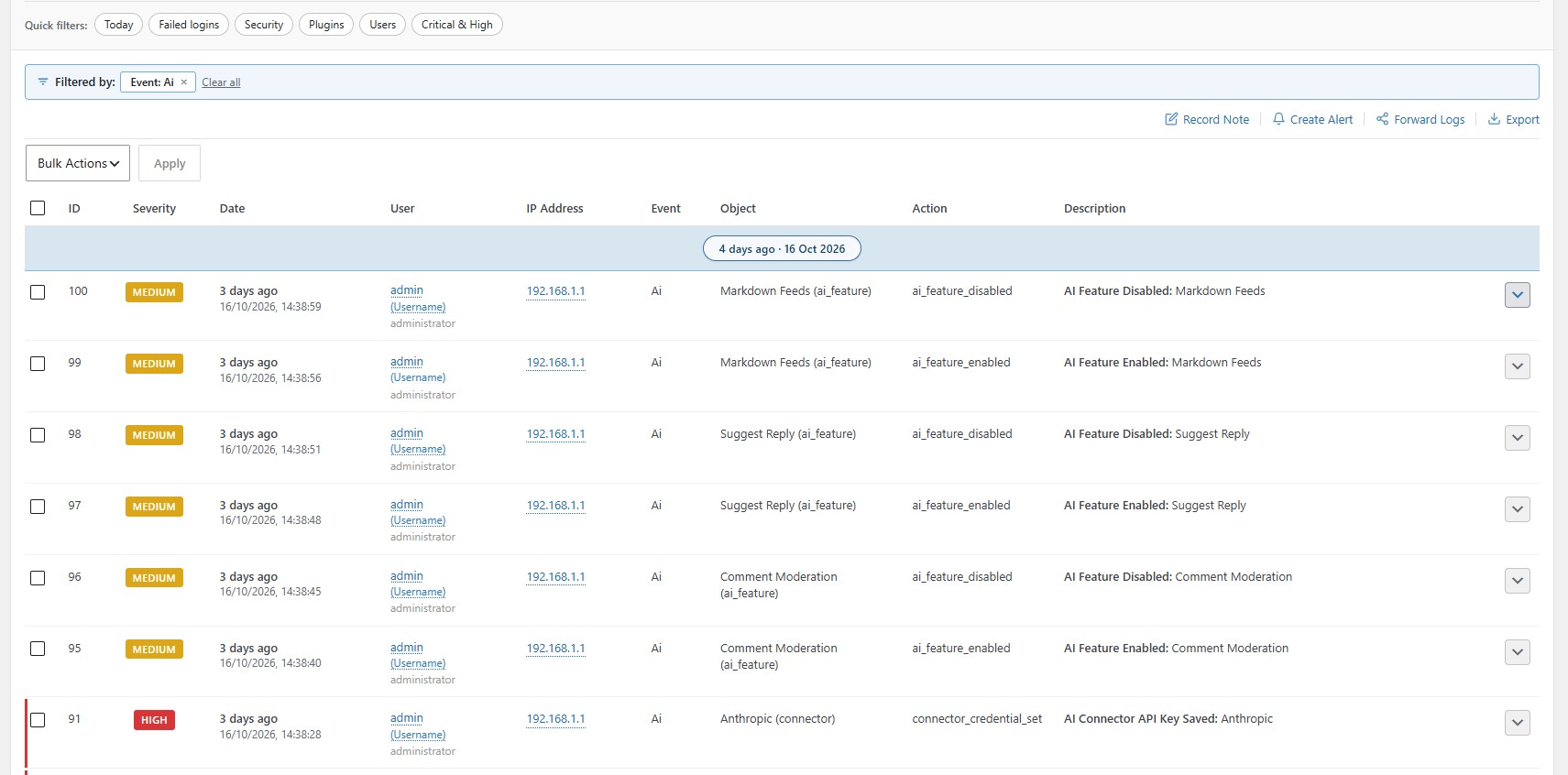
AI & Connectors logging
WordPress has been leaning into built-in connectors and the official AI experience, and those changes often matter as much as a plugin update — but they haven’t always been easy to see in a traditional activity log. v1.2.2 adds optional AI & Connectors tracking (Free): connector API keys saved, removed, or updated (only the last four characters are kept), changes to AI plugin feature toggles, and what happens on the Connector Approvals screen when someone approves, dismisses, or flips entries in the matrix. It’s off until you turn it on under Settings, and we never store full API keys or prompt content — just enough metadata to answer “who changed what, and when?”.
Security Alerts for AI & Connectors (Premium)
If you rely on Security Alerts, there’s a new optional bucket for all AI and connector log events. It stays off until you enable Security Alerts and opt in — same idea as your other alert types: you choose the noise level.
User Card and small fixes
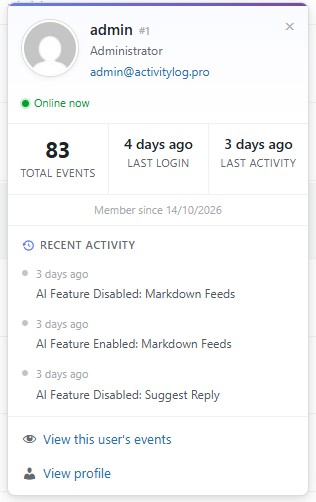
The User Card now includes last login, pulled from your activity log, so a quick click on a username gives you a bit more context without leaving the log screen. On the table itself, long usernames in the Severity and User columns truncate cleanly with the full name on hover, which sounds minor until you’re on a site with awkward login names. We also fixed core update alert emails and log entries so they report the correct version after upgrades and reinstalls, and we’ve verified compatibility with WordPress 7.1.3.
Update Now
v1.2.2 should appear in your WordPress dashboard shortly. Everyone gets AI & Connectors logging (when you enable it), the User Card tweak, UI fixes, and the core-update alert correction. Premium adds the optional AI & Connectors Security Alert on top of everything you already have.
If centralised logging or deeper alerting is on your radar, activitylog.pro/pricing → is still the place to compare plans.
Thanks for using Activity Log Pro. If something in this release helps on a busy site — or if you spot an edge case with connectors on your stack — I’d love to hear from you.
Enjoy the update, and if Activity Log Pro saves you a few minutes when something looks off, a 5-star review on WordPress.org really does help others find the plugin.
— Darren.